

What does a bookkeeper do? Essential guide for SA businesses
Executive Summary
- Modern bookkeepers play a vital role in compliance, cash flow management, and business growth.
- Cloud software like Xero and QuickBooks automate transactions, enhance accuracy, and improve real-time insights.
- Hiring skilled, technology-savvy bookkeepers ensures accurate records and protects against SARS penalties.
Most South African business owners think a bookkeeper’s job begins and ends with capturing invoices into a spreadsheet. That picture is badly outdated. A skilled bookkeeper sits at the intersection of compliance, cash flow, and growth strategy, keeping your business safe from SARS penalties while giving you the financial clarity to make confident decisions. This guide breaks down exactly what bookkeepers do, how their daily workflows protect your business, which technology tools make a real difference, and how to hire and manage the right person for your stage of growth.
Table of Contents
- The modern bookkeeper: More than recording transactions
- Key bookkeeping workflows: From intake to delivery
- Bookkeeping technology: Automation, cloud tools, and compliance
- Choosing and managing your bookkeeper
- Why technology-savvy bookkeepers are now business essentials
- Find a smarter bookkeeping solution for your business
- Frequently asked questions
Key Takeaways
| Point | Details |
|---|---|
| Bookkeepers do much more | Modern bookkeepers handle compliance, accuracy, and workflow quality, not just data entry. |
| Automation reduces mistakes | Cloud tools and automation help avoid costly errors and ensure reliable records. |
| Choose technology wisely | The right software, like Xero or QuickBooks, improves VAT and banking for South African SMEs. |
| Ask the right questions | Effective SMEs communicate clear expectations and priorities with their bookkeeper for best results. |
The modern bookkeeper: More than recording transactions
The word “bookkeeper” conjures an image of someone hunched over a ledger, ticking off numbers. In reality, a modern bookkeeper is a compliance guardian, an accuracy filter, and often the first line of defence against costly financial errors. For South African SMEs dealing with VAT submissions, PAYE (Pay As You Earn tax), and UIF (Unemployment Insurance Fund) obligations, that role carries serious weight.
Bookkeeping, at its core, is the systematic recording of every financial transaction a business makes. But the scope of that work extends far beyond simple data entry. A competent bookkeeper ensures that every rand flowing in or out of your business is captured correctly, categorised properly, and reconciled against your bank statements. Without that foundation, your accountant cannot produce meaningful reports, and your business is flying blind.
Core responsibilities of a modern bookkeeper include:
- Capturing and categorising income and expenses daily or weekly
- Reconciling bank accounts, credit cards, and petty cash
- Managing accounts payable (money you owe) and accounts receivable (money owed to you)
- Preparing and submitting VAT returns on SARS eFiling
- Generating monthly management accounts for owner review
- Flagging unusual transactions or potential errors before they escalate
- Maintaining audit-ready records throughout the year
One critical distinction that confuses many business owners is the difference between a bookkeeper and an accountant. The bookkeeping vs accounting boundary is real and matters for budgeting. As the Bookkeeper Job Description explains, bookkeepers focus on recording transactions while accountants analyse those records to provide financial advice and strategic direction. Both roles are necessary, but they serve different purposes at different stages.
Errors in bookkeeping create compounding risk. A miscategorised expense might look minor today, but it will distort your profit reports, inflate or understate your VAT liability, and could trigger an audit. South African Revenue Service (SARS) runs algorithmic checks that flag statistical anomalies in submitted returns, so consistently inaccurate records are not just inconvenient, they are dangerous.
Pro Tip: Schedule a monthly review of your financial records with your bookkeeper, even a 30-minute call can catch categorisation errors before they become compliance problems.
Key bookkeeping workflows: From intake to delivery
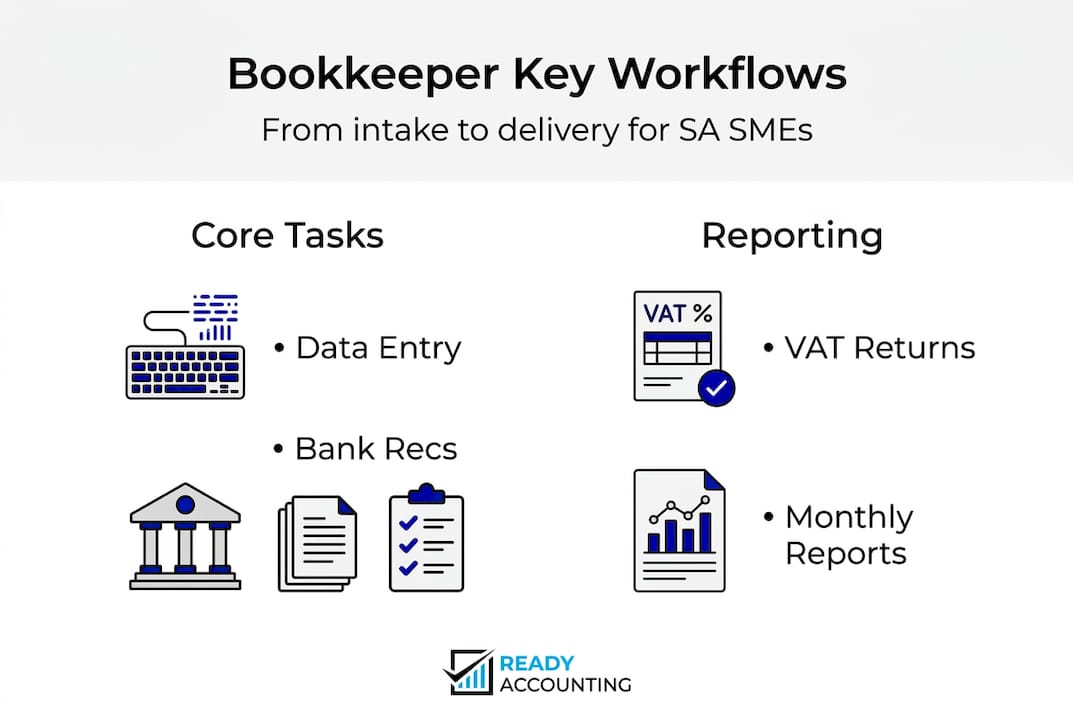
Now that you understand what a bookkeeper does at a high level, it helps to see how their work actually flows from start to finish. Think of bookkeeping as a production line with five distinct stages, each one building on the last. Skipping or rushing any stage creates gaps that surface at the worst possible moment, usually at tax season or during a funding round.
The five core workflow stages are:
- Intake and setup: The bookkeeper collects all source documents, bank statements, invoices, receipts, and payroll records, and structures them in the accounting system. For a new client, this includes chart of accounts setup, opening balances, and integration with payment platforms.
- Categorisation and review: Every transaction gets assigned to the correct account code. This is where deep business knowledge matters, a bookkeeper who understands your industry will categorise correctly from day one, rather than forcing you to correct a backlog later.
- Reconciliation: Bank feeds are matched against captured transactions to confirm every item is accounted for. This stage catches duplicate entries, missing transactions, and banking errors.
- Quality control: A final check is run before any reports are produced. This includes scanning for negative balances where there should be none, verifying VAT calculations, and confirming that payroll figures match payslips.
- Delivery: The bookkeeper produces the agreed outputs, management accounts, VAT workings, cash flow summaries, and hands them to the business owner or accountant for review and action.
As the Bookkeeper Job Description confirms, these workflows, from intake and setup through categorisation, reconciliation, quality control, and delivery, form the backbone of professional bookkeeping practice.
Using a bookkeeping checklist for each stage reduces the chance of skipped steps, especially when your bookkeeper is working remotely or managing multiple clients.
| Workflow stage | Typical timeframe | Key output |
|---|---|---|
| Intake and setup | Once off, 1 to 5 days | Structured chart of accounts |
| Categorisation and review | Weekly or monthly | Coded transactions |
| Reconciliation | Monthly | Matched bank statement |
| Quality control | Monthly before close | Error-free trial balance |
| Delivery | Monthly | Management accounts, VAT summary |
Pro Tip: Before each month-end close, ask your bookkeeper three questions: Are all bank accounts reconciled? Is the VAT calculation ready for review? Are there any transactions you are unsure how to categorise? These three questions take five minutes and prevent 80% of common bookkeeping errors.
Bookkeeping technology: Automation, cloud tools, and compliance
Technology has changed bookkeeping faster in the last five years than in the previous fifty. For South African SMEs, the shift to cloud accounting software is not optional if you want to stay competitive and compliant. Manual, paper-based systems simply cannot keep up with the speed and complexity of modern business, and they offer no protection against the kind of algorithmic SARS audits that are increasingly common.
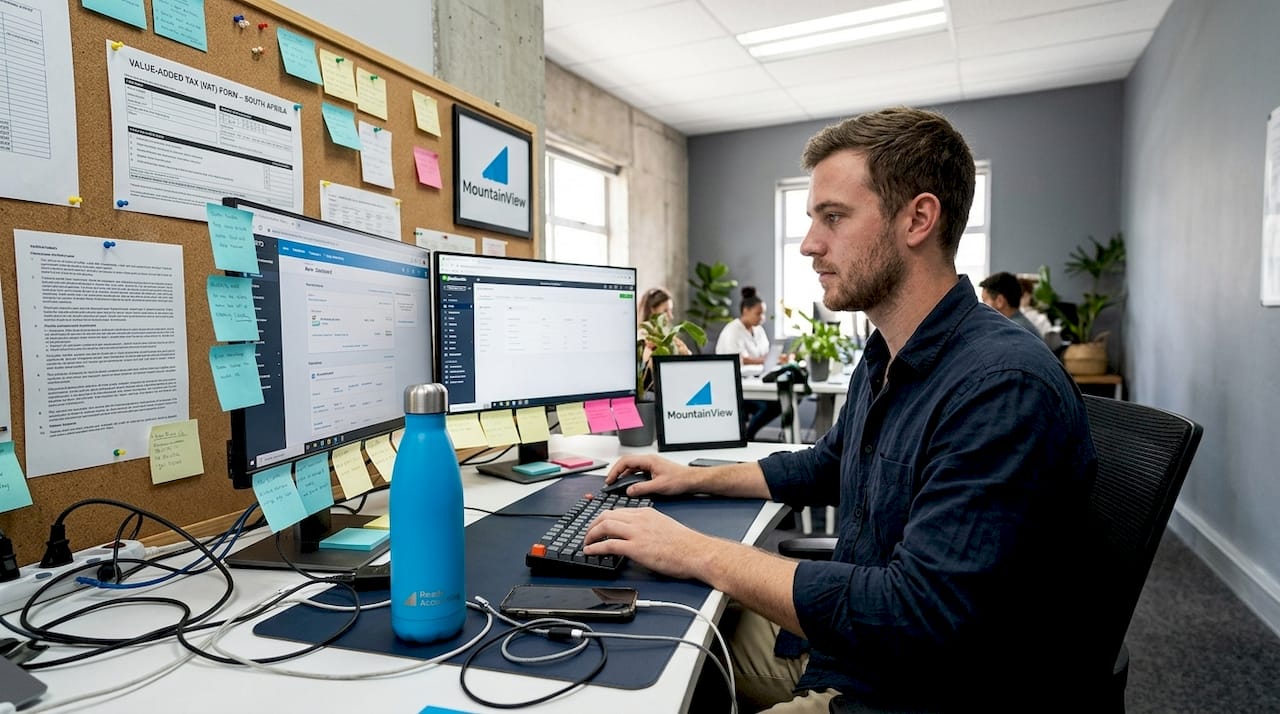
The two dominant platforms for South African businesses are Xero and QuickBooks Online. Both offer cloud access, bank feeds, and automated transaction matching. But they serve different needs, and choosing the wrong one creates friction that compounds over time.
| Feature | Xero | QuickBooks Online |
|---|---|---|
| SA VAT compliance | Excellent, built-in VAT201 support | Good, requires configuration |
| SA bank integrations | Wide bank feed support | More limited local integrations |
| Inventory management | Basic, add-ons required | Stronger out of the box |
| Pricing (ZAR) | Higher monthly cost | More affordable entry tier |
| Ease of use | Clean, intuitive interface | Slightly steeper learning curve |
| Reporting | Strong, customisable | Good, more template-driven |
For a detailed breakdown of how these platforms stack up locally, the Xero vs QuickBooks SA comparison covers the practical implications for South African business owners in real terms.
Key benefits of cloud bookkeeping automation include:
- Bank feeds that pull transactions automatically, eliminating manual entry for most routine items
- Rules that automatically categorise recurring transactions (like monthly rent or specific supplier invoices)
- Real-time dashboards giving business owners visibility into cash position at any moment
- Automated VAT calculations that reduce the risk of submission errors
- Multi-user access so your bookkeeper, accountant, and business owner can all work from the same data without version conflicts
- Audit trails that show every change made to a record, by whom, and when
The bookkeeping automation opportunity is real, but it comes with a caution. As the Bookkeeper Job Description notes, automation reduces errors but requires proper training to implement correctly. A bookkeeper who does not understand how bank rules work, or who sets up incorrect tax codes, will create problems that are harder to find precisely because they look automated and therefore trustworthy.
“Automation does not replace bookkeeping judgment. It amplifies it. A well-configured system in the hands of a skilled bookkeeper produces bulletproof records. The same system in the wrong hands produces confidently wrong data at scale.”
The training investment is worth making. Bookkeepers who hold Xero or QuickBooks certifications demonstrate they understand not just how to use the software, but how to configure it correctly for South African tax and compliance requirements.
Choosing and managing your bookkeeper
Knowing what bookkeepers do and how they work is useful. Knowing how to choose the right one and get the most from the relationship is what actually protects your business. Whether you hire in-house, use an outsourced firm, or work with a remote freelance bookkeeper, the criteria for quality remain the same.
Key skills to look for when hiring a bookkeeper:
- Hands-on experience with Xero or QuickBooks Online (ask for certification, not just familiarity)
- Understanding of South African VAT, PAYE, and SARS eFiling processes
- Experience in your industry, since categorisation norms vary significantly between sectors
- Strong attention to detail combined with the ability to meet consistent monthly deadlines
- Clear communication skills, because a bookkeeper who cannot explain what they are seeing in your numbers is only half useful
- References from businesses of a similar size and complexity to yours
The Bookkeeper Job Description is clear that bookkeepers focus on recording rather than analysis, so do not expect strategic financial advice from this role. That work belongs to your accountant or CFO. But a bookkeeper who records accurately and on time makes every other financial relationship in your business more effective.
Essential questions to ask before hiring:
- Which accounting software do you work in, and can you show me your certification?
- How do you handle a transaction you are not sure how to categorise?
- What is your process for VAT reconciliation before a submission deadline?
- How quickly do you respond to queries, and what is your turnaround for month-end reports?
- Have you worked with businesses in my industry before?
Knowing when to hire a bookkeeper is itself an important decision. Most business owners wait too long, only bringing in support after they have already made a costly categorisation error or missed a VAT deadline.
Common red flags to watch for:
- Reluctance to use cloud software or insistence on spreadsheets only
- Inability to explain their reconciliation process in plain terms
- No references from existing clients
- Inconsistent communication or missed deadlines in the first month
- Producing reports that the business owner cannot understand without extensive explanation
Pro Tip: In the first three months with a new bookkeeper, schedule a short weekly check-in rather than relying solely on month-end reports. This builds the working relationship, catches early issues, and gives you confidence in the quality of your financial records before you rely on them for decisions.
Managing a remote or outsourced bookkeeper well requires clear expectations from day one. Define what reports you want, in what format, and by what date each month. Agree on a response time for queries. Share access to your accounting software, bank feeds, and payroll platform. The less friction in the information-sharing process, the better your bookkeeper can perform.
Why technology-savvy bookkeepers are now business essentials
Most articles on bookkeeping treat technology as a bonus feature, a nice-to-have if you can afford it. We disagree fundamentally. In the South African SME context, where SARS compliance requirements are strict, banking integrations matter enormously, and cash flow visibility can determine whether a business survives a slow quarter, technology literacy in your bookkeeper is not a premium upgrade. It is the baseline requirement.
Businesses that still rely on manual, paper-based bookkeeping are not just inefficient. They are exposed. They cannot produce real-time cash flow data. They cannot respond quickly to a SARS query. They cannot give a potential investor clean, auditable records. Every month of paper-based bookkeeping is a month of accumulated risk. The bookkeeping mistakes that derail South African businesses are almost always rooted in manual systems, not bad intent.
A bookkeeper who understands automation, cloud integrations, and local compliance rules does not just keep your records clean. They remove the financial blind spots that cause business owners to make decisions on incomplete information. That is worth a great deal more than the cost of their monthly fee.
Find a smarter bookkeeping solution for your business
Ready Accounting partners with South African SMEs to replace slow, error-prone bookkeeping with cloud infrastructure that works in real time. Our team combines certified Xero and QuickBooks expertise with deep knowledge of SARS compliance, so your books are always accurate, always current, and always audit-ready. We have seen how automation improves cash flow for scaling businesses, and we build that infrastructure for our clients from day one. If you want to understand the full range of cloud accounting benefits available to your business, we are ready to walk you through what is possible.
Frequently asked questions
What is the main difference between a bookkeeper and an accountant?
A bookkeeper records daily financial transactions, while an accountant analyses those records and provides financial advice. As the Bookkeeper Job Description confirms, bookkeepers focus on recording rather than strategic analysis, which is the accountant’s territory.
Can a bookkeeper help with South African tax compliance?
Yes, bookkeepers maintain the accurate records needed for VAT and tax submissions, making them essential for SA compliance. Their reconciliation and quality control workflows are specifically designed to keep records audit-ready throughout the year.
Is bookkeeping software like Xero or QuickBooks necessary for SMEs?
Cloud bookkeeping software simplifies recordkeeping and supports VAT, bank integration, and accuracy far better than manual systems. The Bookkeeper Job Description notes that Xero is generally superior for SA VAT and banking needs, while QuickBooks is more affordable for basics and inventory.
What key tasks should I expect from my bookkeeper each month?
Expect transaction recording, categorisation, reconciliation, error checks, and delivery of up-to-date financial summaries every month. These five workflow stages from intake through delivery represent the complete professional bookkeeping cycle.